to apply the selections to the schedule:
Use the MAR Schedule to view the Medication Schedule Calendar.
1. Click the Show Search Options button to display options you can use to filter the schedule calendar. Select the desired filtering criteria and click to apply the selections to the schedule:
● Click the arrow beside Patient and select a patient.
● Click the arrow beside Medication and select the available medications for the patient you selected.
● If desired, use the checkboxes to display data differently for the corresponding medication types:
§ Show Scheduled — Displays medications that are scheduled. By default, this box is checked.
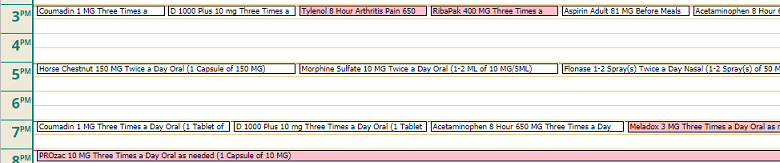
§ Show PRN — Existing PRN medications will instead display within the appropriate areas of the schedule grid in red (instead of in the red box at the top, as shown in the sample image).
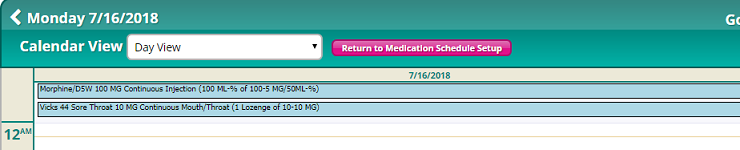
§ Show Continuous — Continuous will display medication information in separate blue boxes above the schedule grid (instead of requiring the user to hover the mouse cursor).
● Click the arrow beside View and select whether you want to see Scheduled or Administered medications.
2. Click the arrow beside Calendar View and select how you want to display the calendar.
3. If you want to go directly to a specific date, click  beside Go To and select the date you want to view.